October 2026 release notes.
A new Ontario personal injury matter template, improved matter spaces and artifacts, image review, firm books from photos, and bug fixes.
What changed
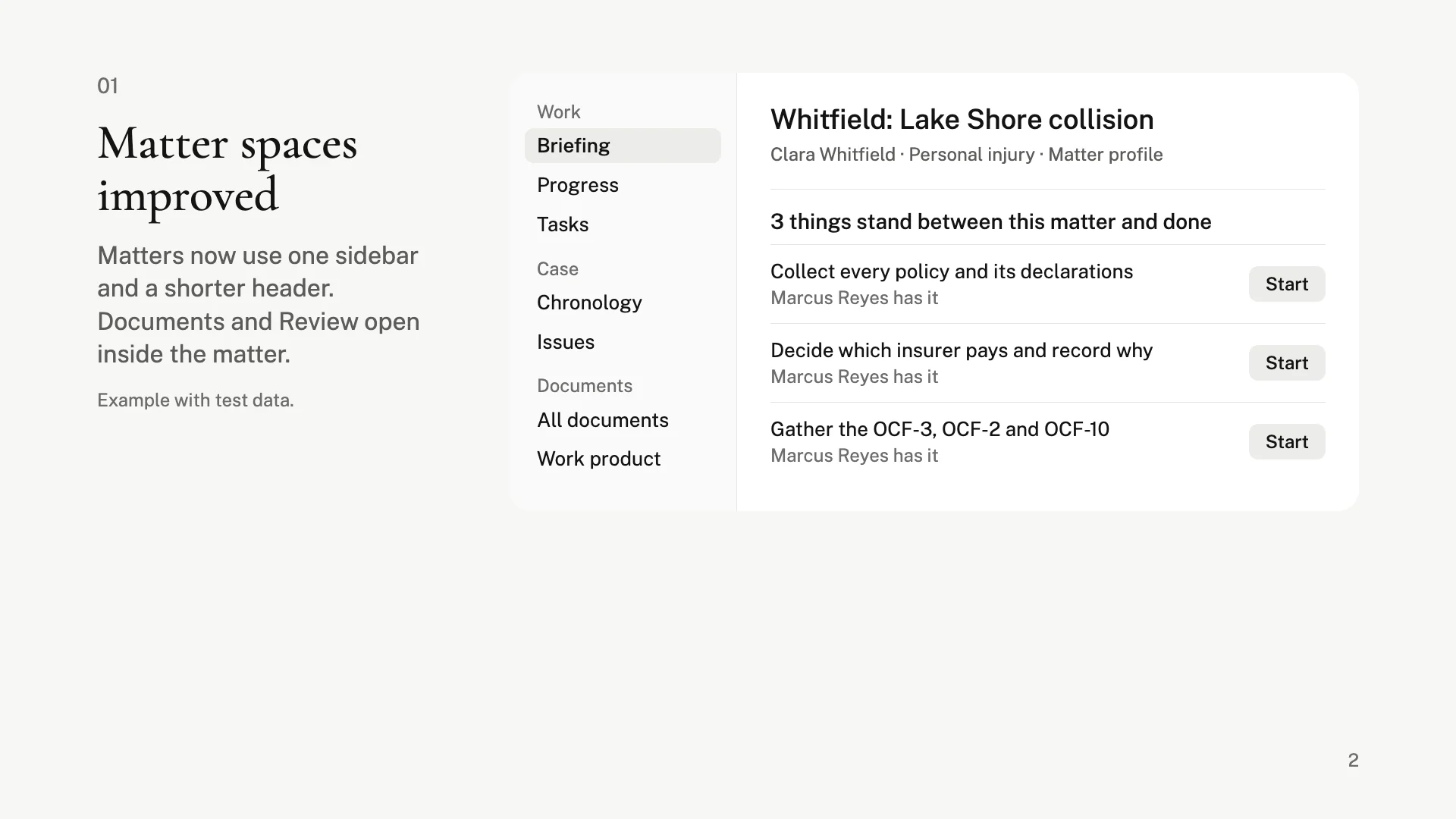
Matter spaces improved
Matters now use one sidebar and a shorter header. Documents and Review open inside the matter.
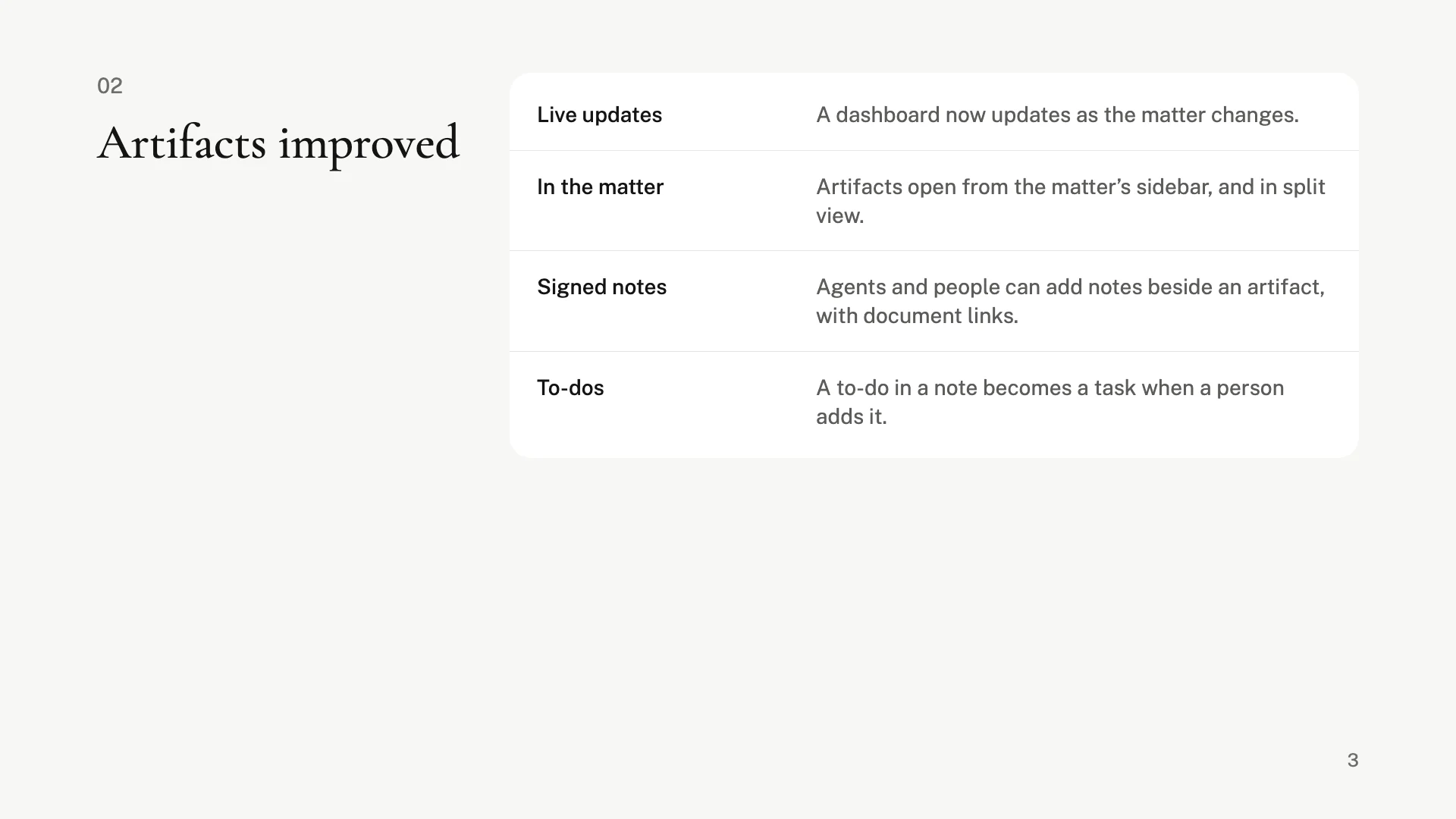
Artifacts improved
Dashboards now update as the matter changes. They open from the matter’s sidebar, and agents and people can add signed notes beside them.
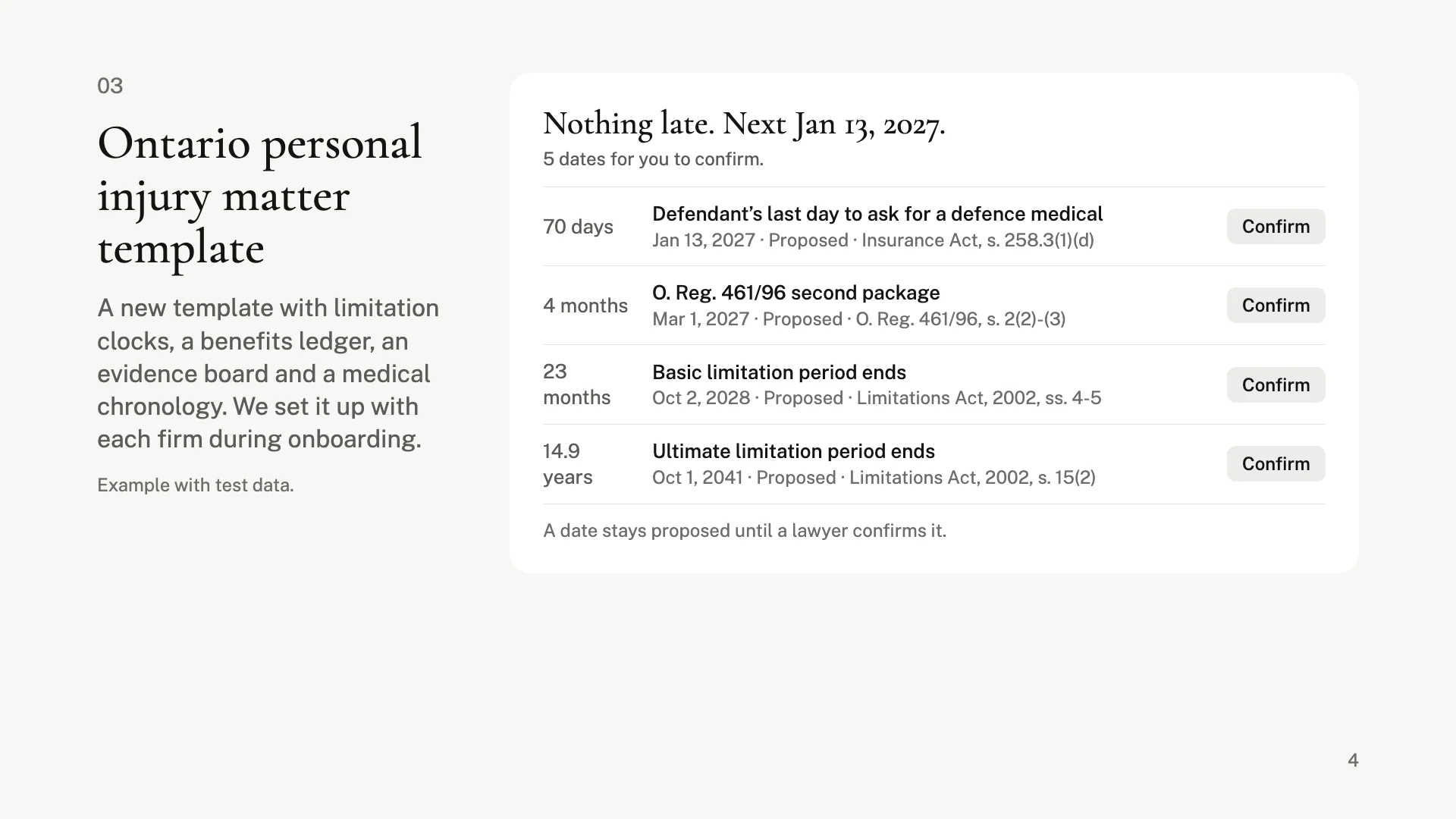
Ontario personal injury matter template
A new template with limitation clocks, a benefits ledger, an evidence board and a medical chronology. We set it up with each firm during onboarding. Dates stay proposed until a lawyer confirms them.
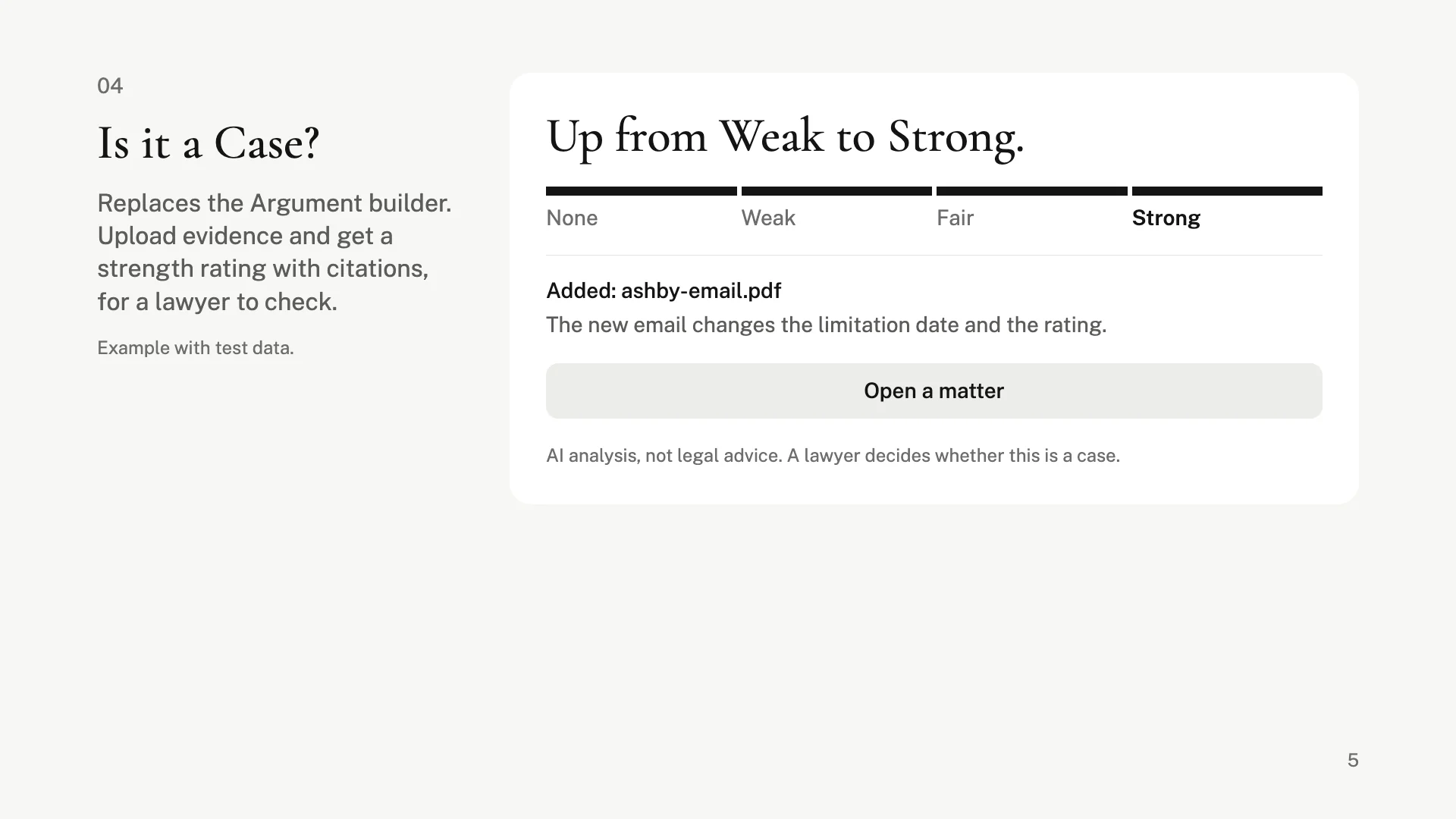
Is it a Case?
Replaces the Argument builder. Upload evidence and get a strength rating with citations, for a lawyer to check.
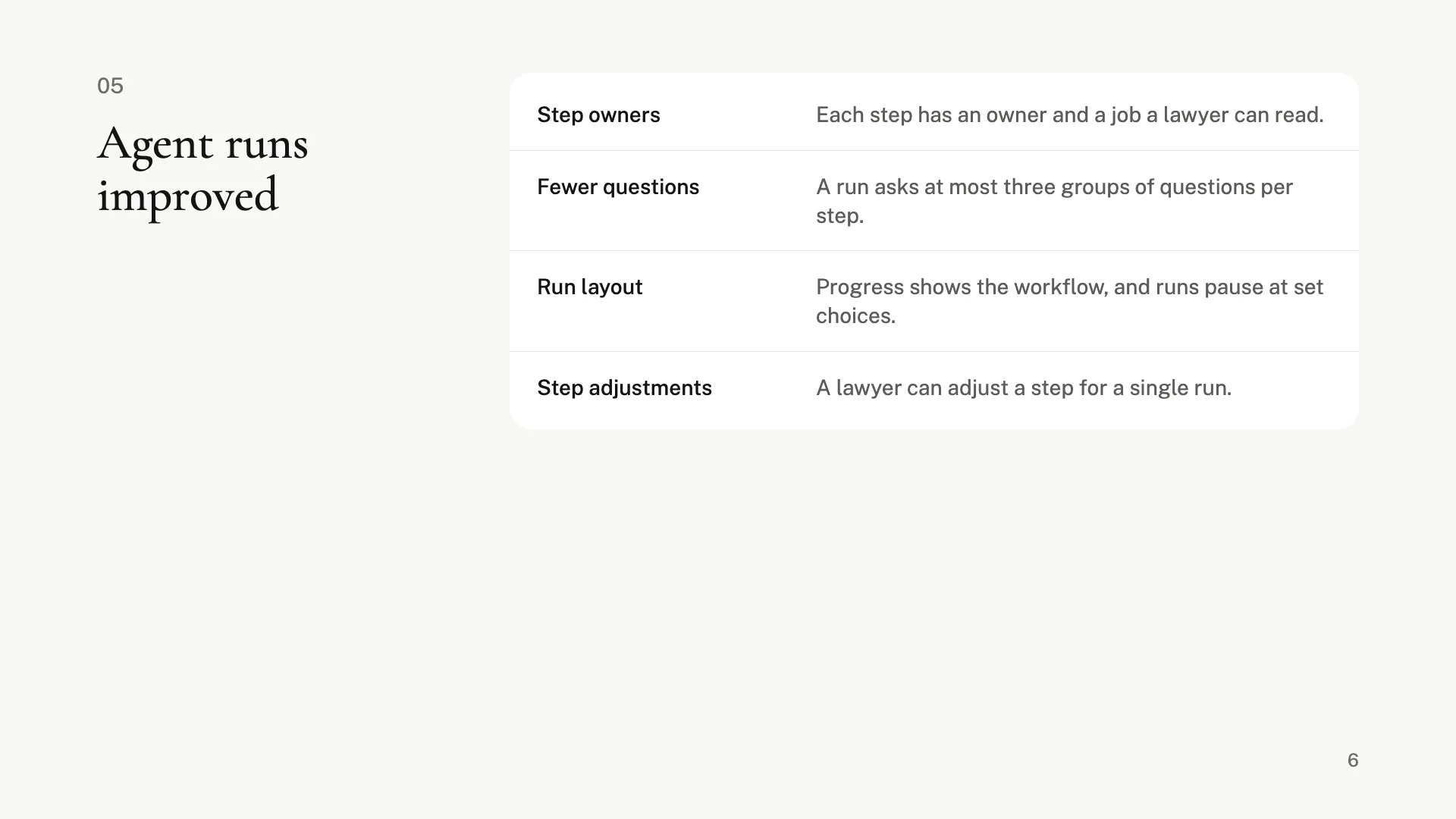
Agent runs improved
Each step has an owner and a job a lawyer can read. A run asks at most three groups of questions per step, and a lawyer can adjust a step for a single run.
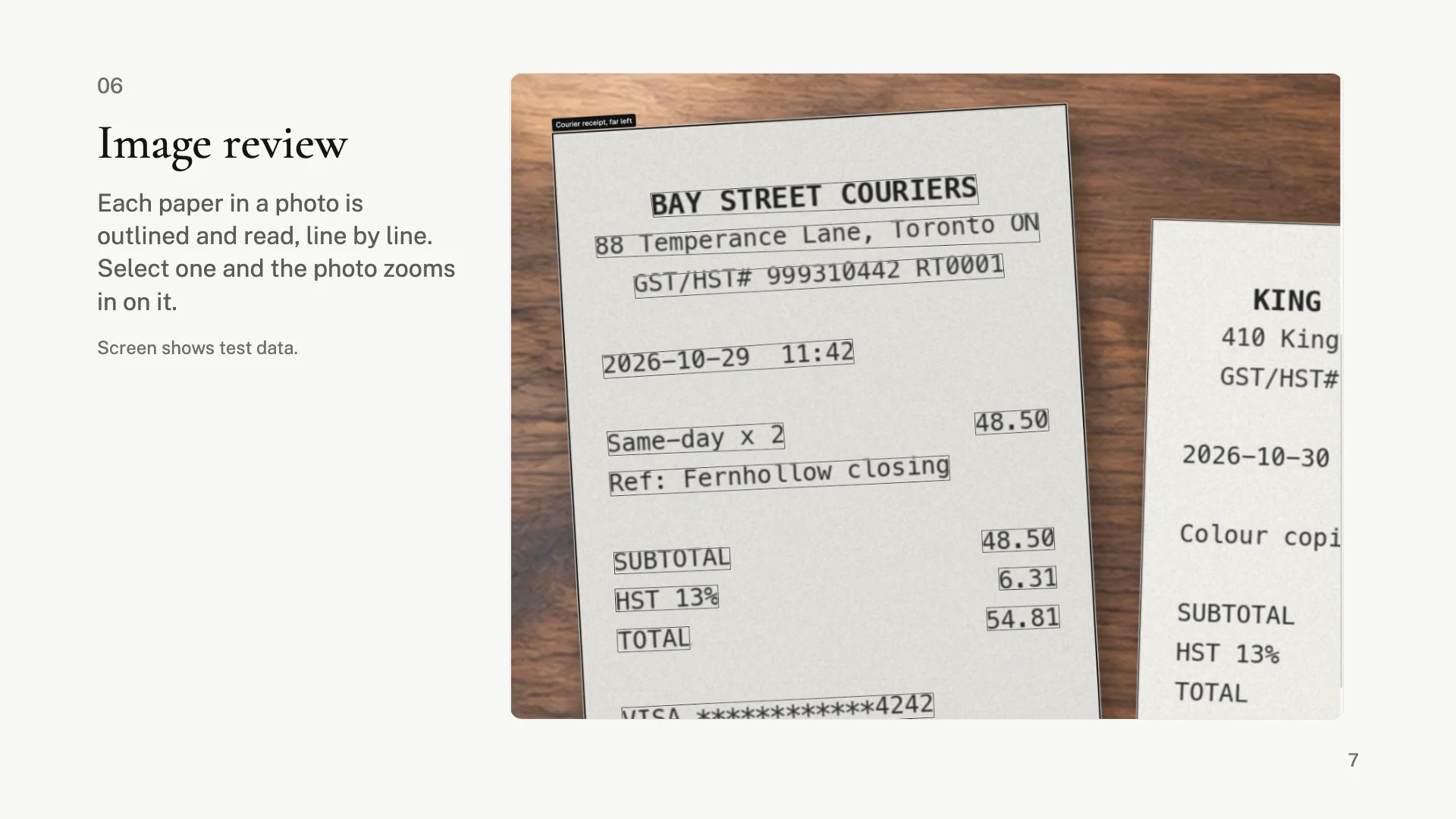
Image review
Each paper in a photo is outlined and read, line by line. Select one and the photo zooms in on it. Advisor can use the findings and place a crop in a draft.
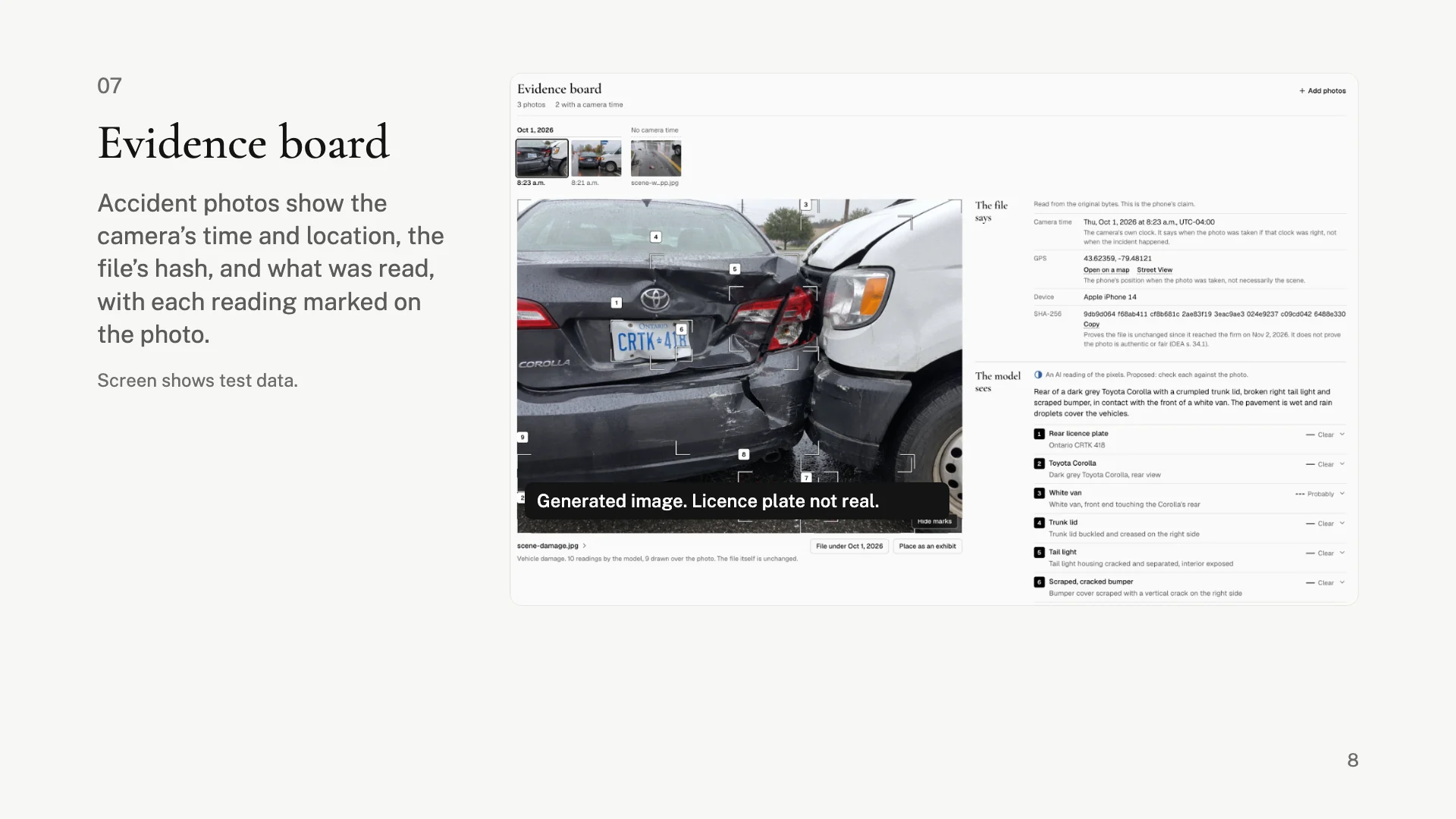
Evidence board
Accident photos show the camera’s time and location, the file’s hash, and what was read, with each reading marked on the photo.
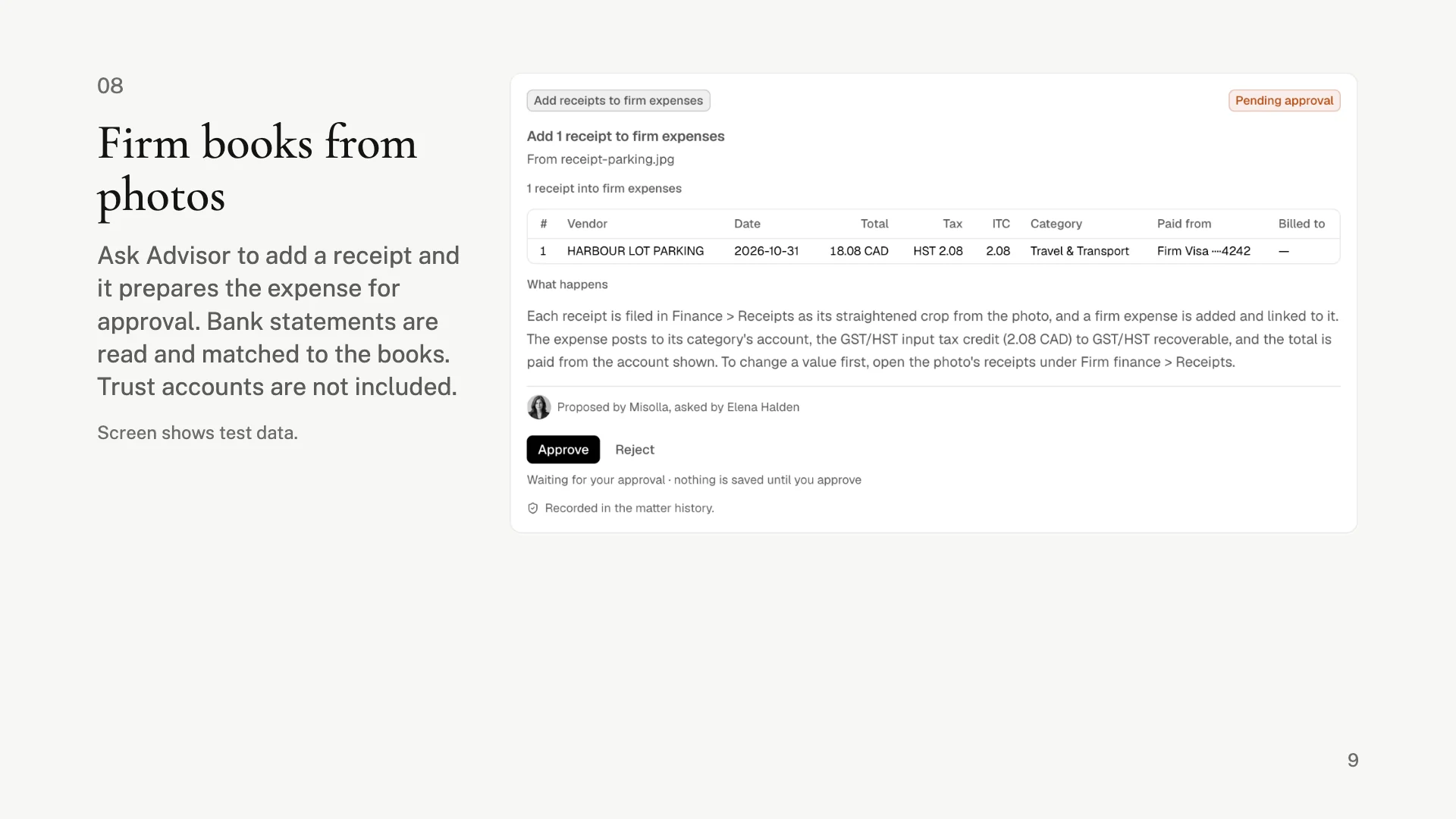
Firm books from photos
Ask Advisor to add a receipt and it prepares the expense for approval. Bank statements are read and matched to the books. Trust accounts are not included.
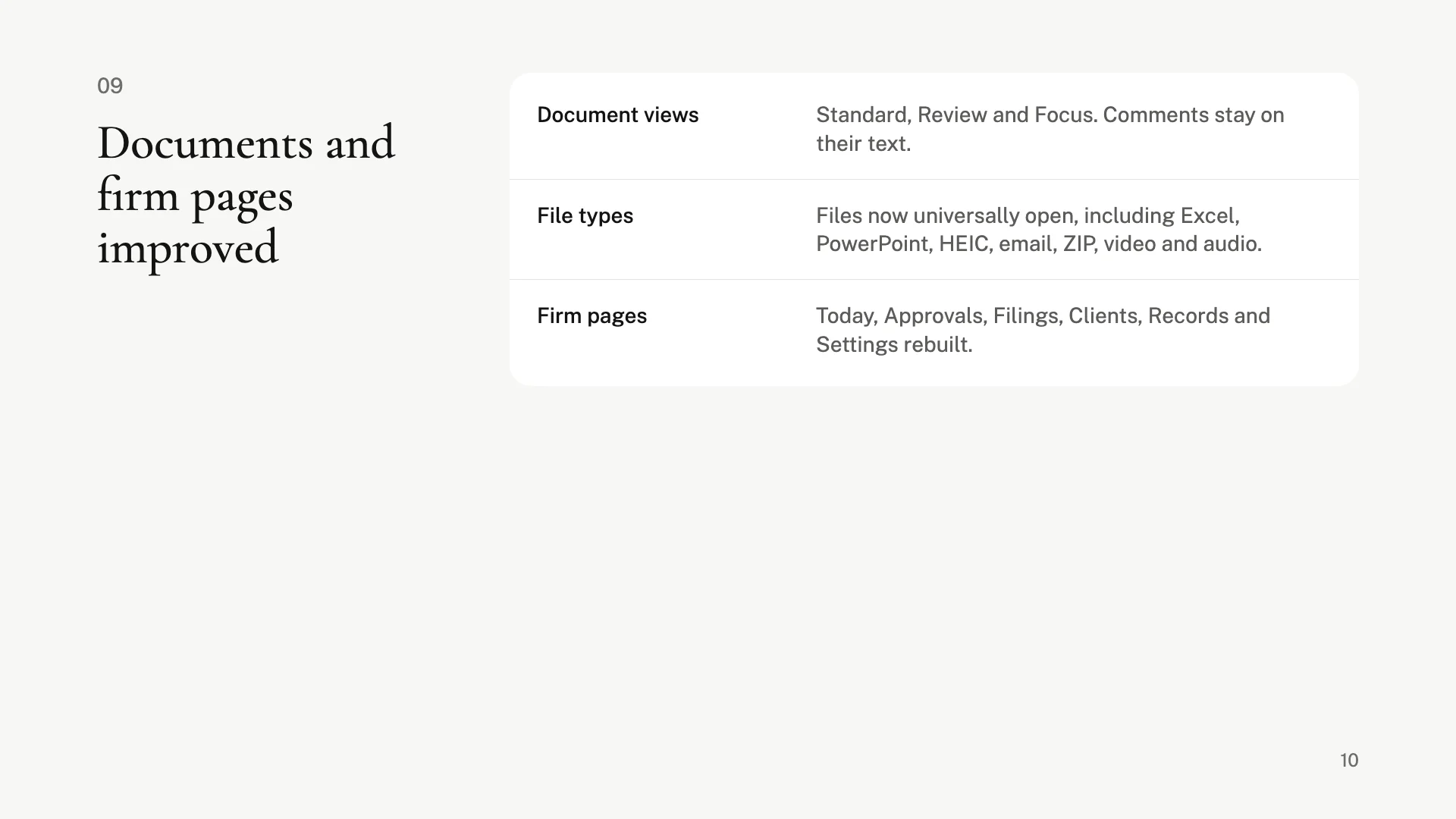
Documents and firm pages improved
Standard, Review and Focus views, with comments that stay on their text. Files now universally open, including Excel, PowerPoint, HEIC, email, ZIP, video and audio. Today, Approvals, Filings, Clients, Records and Settings were rebuilt.
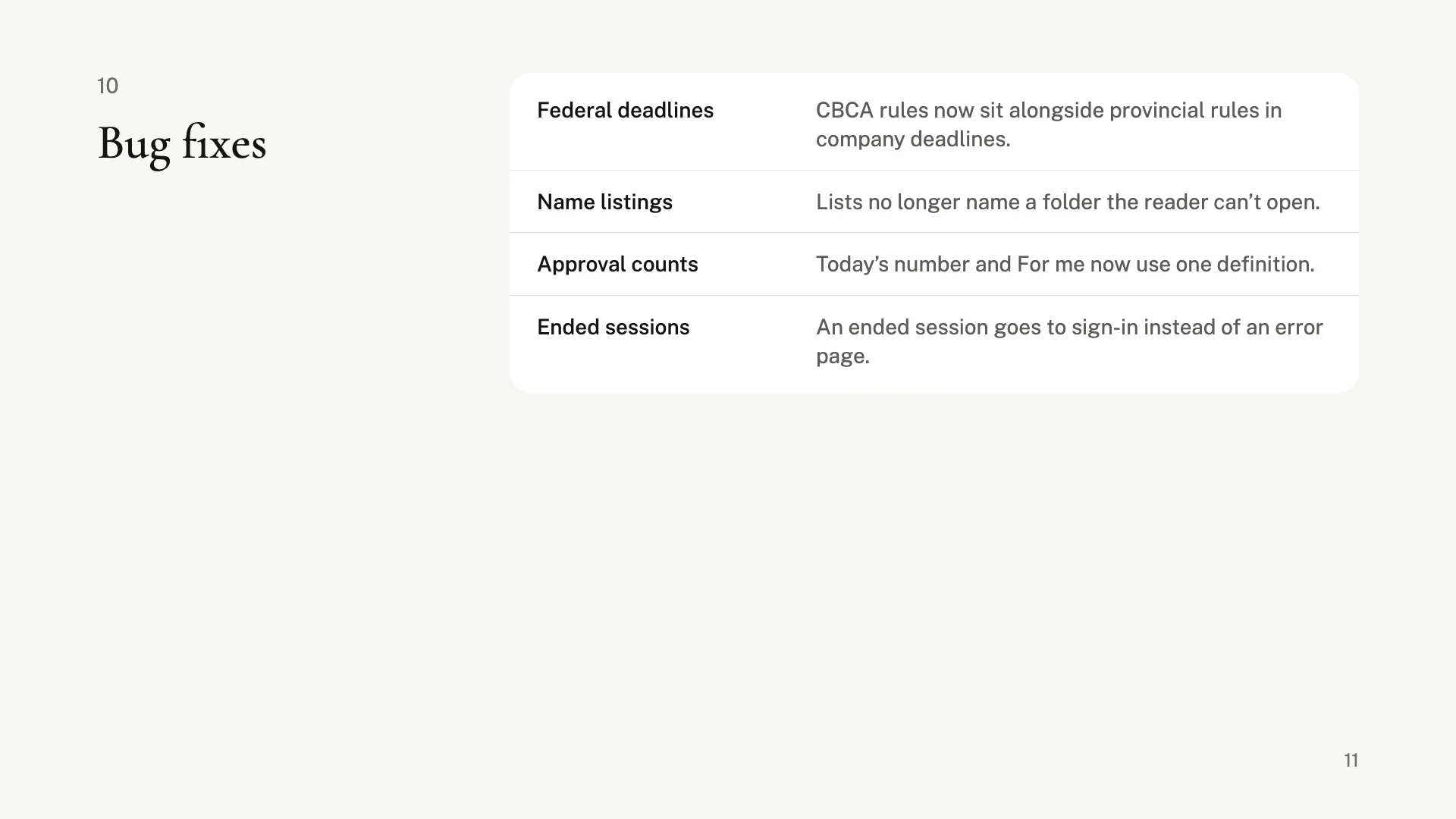
Bug fixes
Federal deadlines
CBCA rules now sit alongside provincial rules in company deadlines.
Name listings
Lists no longer name a folder the reader can’t open.
Approval counts
Today’s number and For me now use one definition.
Ended sessions
An ended session goes to sign-in instead of an error page.
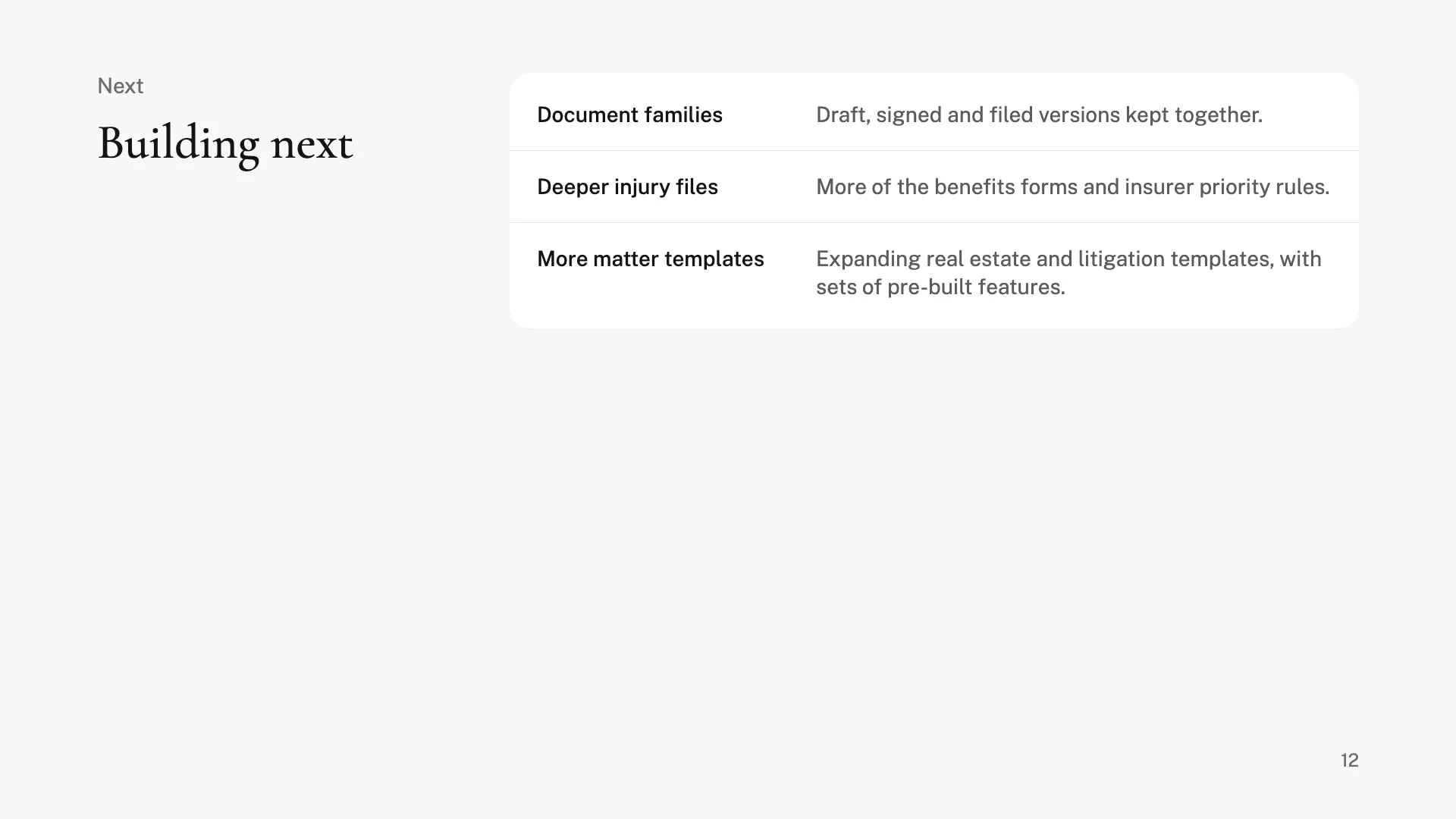
Building next
Document families
Draft, signed and filed versions kept together.
Deeper injury files
More of the benefits forms and insurer priority rules.
More matter templates
Expanding real estate and litigation templates, with sets of pre-built features.